
INSEJUPY Application Tracking Assistant & Status Code Decoder
Learn how to monitor the live progress of your property registry or cadastral filing in Yucatán. Decode status codes like SUSPENDIDO, locate your filing receipt numbers, and resolve administrative observations before statutory deadlines expire.
INSEJUPY Application Tracking Assistant
Understand tracking reference formats, diagnose status codes, and access the official Government of Yucatán tracking portal.
Seguimiento de Solicitudes en Línea
Launch the official Yucatán state system to check real-time progress for RPP and Cadastre filings.
1. Identifying Your Tracking Reference Information
When you file a request with INSEJUPY (or through an authorized Notaría Pública), you receive an official entry receipt (Volante de Entrada / Boleta de Ingreso). You will need two pieces of data:
🔢 Número de Folio / Trámite
A 5 to 7 digit numerical sequence located at the top-right corner of your official receipt under "No. de Trámite" or "Folio de Entrada".
📅 Ejercicio / Año Fiscal
The four-digit calendar year in which the procedure was submitted (e.g., 2026, 2025). The system uses this to query the corresponding annual registry archive.
2. Understanding Official Application Status Codes
Lost Your Tracking Folio or Facing Delays?
If your application was filed by a Notario Público, contact the notary's office directly—they hold the primary receipt and internal tracking reference. If filed independently at ventanilla, contact official INSEJUPY citizen support:
- Toll-Free Phone: 800 10 800 10
- Mérida Central Office: (999) 930 30 20
- Email Support: [email protected]
The Life Cycle of an INSEJUPY Filing (Calificación Registral)
Every time a deed transfer, mortgage recording, cadastral plan, or certificate request is submitted to INSEJUPY—whether digitally via a Notaría Pública or over the physical ventanilla in Mérida—it is assigned a unique receipt barcode and sequential entrance folio (Folio de Entrada / Solicitud).
Under the Reglamento del Registro Público de la Propiedad del Estado de Yucatán, the filing undergoes an independent legal qualification (Calificación Registral) where an assigned attorney examiner reviews the document against historical records.
Decoded INSEJUPY Tracking Statuses
- INGRESADO: The ticket and fee payment have been validated by the treasury. The file is awaiting distribution to an examiner.
- EN CALIFICACIÓN: A legal registrar (Registrador) or cadastral perito is actively conducting the title or boundary audit.
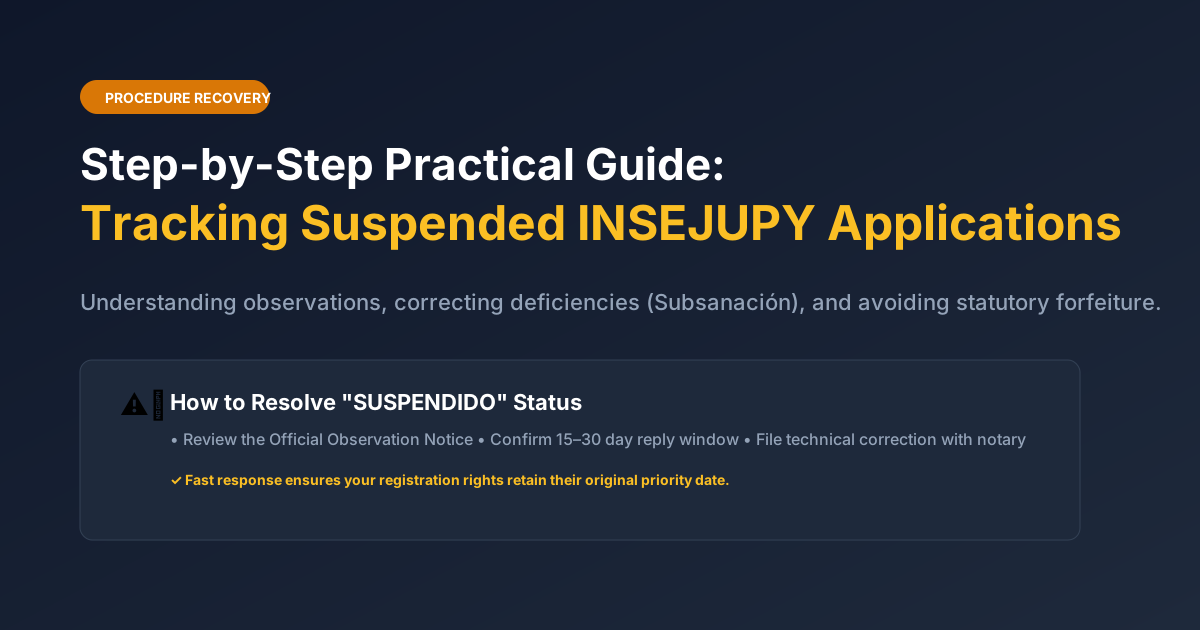
- SUSPENDIDO (Action Required): The examiner found an observation, typo, or missing attachment. You have a strict statutory window (typically 15 to 30 business days) to file a formal response (Subsanación).
- AUTORIZADO / EN FIRMA: The procedure is approved. The document is undergoing electronic cryptographic signature (e.firma) and QR stamping.
- CONCLUIDO / ENTREGADO: The final registered deed, plan, or certificate is ready for download or physical pickup.
Detailed Guide to Status Codes and Recommended Actions
| Status Code | Meaning in Official Portal | What You Must Do |
|---|---|---|
| INGRESADO | Document logged in central reception and assigned to a registrar | Wait 3 to 5 business days for qualification review to begin. |
| EN CALIFICACIÓN | Legal examiner reviewing chain of title, easements, and fiscal compliance | No action needed; check portal daily for status transition. |
| SUSPENDIDO | Discrepancy detected (e.g., boundary mismatch, name typo, tax gap) | Urgent: Contact your Notario immediately to download the official Observation Notice and file a Subsanación. |
| DENEGADO | Definitive refusal due to insurmountable legal conflict or expired deadline | Consult real estate counsel to file an administrative appeal (Recurso de Inconformidad). |
| AUTORIZADO | Filing passed legal inspection and approved for inscription | Final electronic stamping in progress. Delivery expected within 48 hours. |
| CONCLUIDO | Final document issued with cryptographic seals and QR code | Download secure PDF or send messenger for physical pickup at central ventanilla. |
How to Resolve a "SUSPENDIDO" Observation Notice
-
1
Retrieve the Official Observation Notice (Cédula de Observación)
Your filing Notary Public can log into their private state portal desk and download the exact written decree formulated by the assigned Registrador.
-
2
Prepare the Clarifying Document (Escrito Aclaratorio o Complementario)
Depending on the observation, this may require a supplemental deed (Escritura Aclaratoria), an updated cadastral survey plan, or proof of municipal tax payment.
-
3
File Within the Statutory Subsanación Window
Submit the correction referencing your original filing folio. If filed on time, your original priority date (Aviso Preventivo) remains protected without forfeiting registration rights.